
Running a Georgia Statewide Case Search
Georgia's official route begins with the Georgia Courts E-Access to Court Records directory. It lists each county and court class. Then it sends you to a vendor site or a court site, and some of those destinations require an account. E-Access is not a unified statewide search. Tyler re:SearchGA adds participating courts in one place. But public materials do not establish complete Georgia coverage, a universal history range, or any refresh schedule.
Read the court class printed on your Georgia paperwork first. Then pick the county. Follow the provider's instructions, and keep a case summary separate from the official docket. The clerk for that Georgia court keeps the full docket sheet and the filed record.
- Read the Georgia citation, summons, filing notice, or order for the court name, county, and case number.
- Choose that county and court class in Georgia Courts E-Access, then follow the listed provider link. A provider account may be needed to search.
- If a Georgia court participates, try re:SearchGA as a second route. Participation and searchable case classes are not complete statewide.
- Use the result to identify the local case record, then open the court's county portal for fuller docket events or images.
- If the case remains missing, ask the clerk whether the court or case type is absent, delayed, archived, or restricted.
The 2021 re:SearchGA quick guide lists these search modes and controls but never marks which fields are required. Check the current labels in the Georgia application itself.
| Georgia field or control | Type | Required? | What official documentation shows |
|---|---|---|---|
| Cases | Search mode | Unspecified | Search for case records. |
| Filings | Search mode | Unspecified | Search filing records. |
| Text in Documents | Search mode | Unspecified | Search document text where available. |
| Hearings | Search mode | Unspecified | Search hearing information. |
| Keyword / Search | Text field | Unspecified | General search field in the 2021 guide; exact current label may differ. |
| Location | Filter or dropdown | Optional or unspecified | Filter named; full location options were not publicly captured. |
| Case Category | Filter or dropdown | Optional or unspecified | Filter named; options were not captured. |
| Case Type | Filter or dropdown | Optional or unspecified | Filter named; options were not captured. |
| Case Status | Filter or dropdown | Optional or unspecified | Filter named; options were not captured. |
| Advanced | Button or link | Optional | Expands advanced controls in the 2021 guide; current fields are unverified. |
| Hints / Clear | Help link / button | Not applicable | Help and clear controls are named in the guide. |
| Export Results | Button or link | Not applicable | Export is listed; format and limits are unspecified. |
| Saved Searches | Link or tab | Not applicable | Saved-search area is described; an account may be needed. |
Open the re:SearchGA portal for the live service. Treat any result as a lead. It only reflects that Georgia court's participation, and it does not show whether other courts or case types were searched.
Georgia E-Access Directory, Not One Index
A directory can look statewide while acting nothing like one search box. E-Access lists a Superior Court route for every Georgia county. Many State Court routes appear too. Even so, you still land inside local provider sites. There is no shared county-and-court query, no history cutoff, and no standard document charge. Georgia lower-court cases, traffic dockets, and ordinance matters may sit in another portal. Some need a clerk search.
A Georgia result can come up empty. Confirm the county and court class on your papers. Then check that court's provider row in the directory. A missing link does not mean the court has no docket. If the provider is down or excludes that case type, contact the records clerk. The Georgia court system overview explains how local records connect to statewide routes.
Note: A Georgia directory entry points to a provider. It does not promise every case will appear online.
View Georgia Courts E-Access to see the current county-and-court directory.
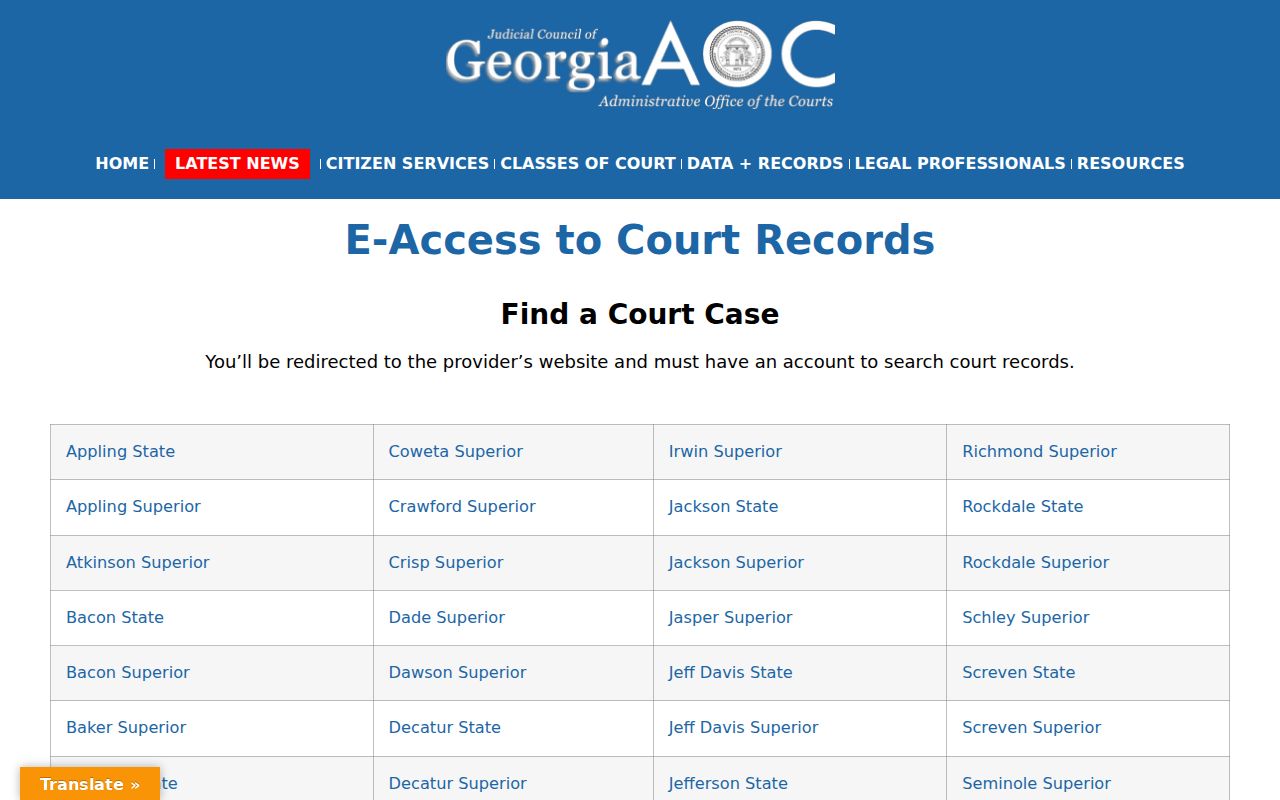
The directory tells you where a case search must continue. It does not turn the destination provider or its records into a single statewide index.
Georgia Case Number Searches
A case number identifies a file. Georgia's courts and vendors publish no single number pattern across every court class, provider, and year. Use the full number exactly as printed on the Georgia citation, summons, order, or clerk notice. Keep any court or year components it shows.
Full case number as printed on the Georgia court notice
Type it into the matching Georgia case-number field rather than guessing at parts. A transferred Georgia matter or an appeal may carry a different number. If the portal rejects it, compare the court and county. Then ask the clerk about a linked number.
Name-only queries can pull up several people. Narrow with court class, county, case number, and filing year. The Supreme Court public search also has a Case Number field. It does not search trial cases statewide.
Search Modes in Georgia re:SearchGA
Georgia's re:SearchGA serves participating courts, not all Georgia courts. Its 2021 guide describes four modes: Cases, Filings, Text in Documents, and Hearings. Filters include Location, Case Category, Case Type, and Case Status. Clicking a case description opens Case Details. Clicking a hearing type opens hearing details.
That older guide cannot verify current Georgia location options, result limits, export format, history depth, or refresh timing. Login is required. Participation does not mean all 159 Georgia counties or every case type is searchable. No search mode overrides access restrictions.
Open the live re:SearchGA application to view its current interface.
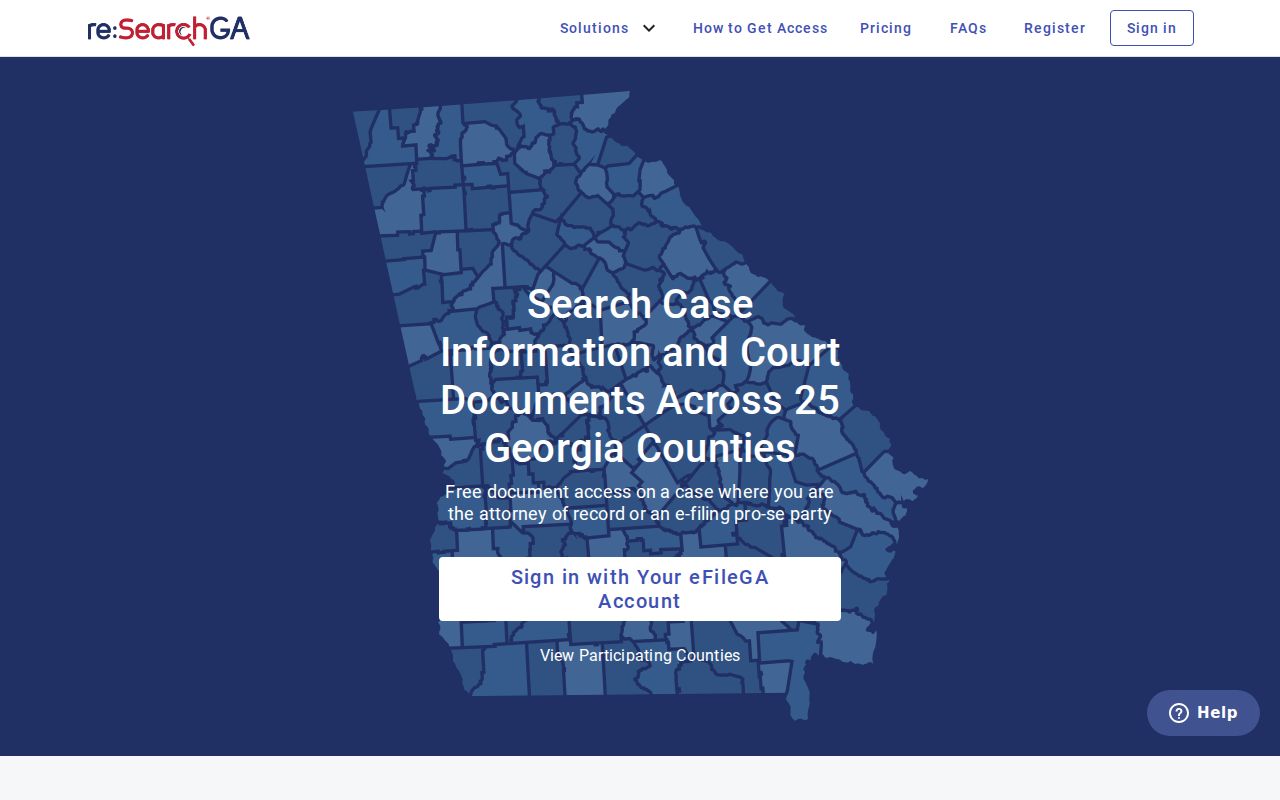
Use the live interface for current field names. If a court is not represented there, return to E-Access and verify that court's own provider path.
What a Georgia Case Search Returns
A Georgia provider may show the case number, case style, court, case type, filing date, or status. Trial portals share no required list of fields. A result can also display docket events while omitting the signed order or the full image. Read the labels in that court's context. Open the actual filing whenever the ruling matters.
| Case number | The Georgia court's identifier. A transfer, appeal, or consolidated case can add another number. |
|---|---|
| Case style or caption | A short Georgia party or government title. Restricted matters may suppress names. |
| Court and county | The Georgia court class and county holding the file; both guide the next search. |
| Case type | A local Georgia category such as civil, criminal, domestic relations, probate, or traffic; dropdown terms differ. |
| Filing date | When the Georgia clerk records a filing, not necessarily the hearing date or date a document was signed. |
| Disposition or status | A recorded Georgia case outcome or state. Read the order because labels such as open, disposed, inactive, or closed differ. |
| Docket events | An abbreviated Georgia timeline of filings, settings, orders, and other entries; it is not a transcript or the complete file. |
A filing entry is a request, not a ruling. A status label will not explain an order's legal effect either. Portals may charge for images or require sign-in even when basic case metadata is free to view.
Note: A Georgia case result identifies a file. But the signed order explains the court's actual ruling and relief.
When a Georgia Case Search Finds Nothing
A Georgia case search that comes back empty rarely means the file is gone. Check that you picked the right court, county, and the full case number. Fresh filings can lag before they appear. Some paper court records were never digitized. A portal may also leave out a whole class of court, so a blank screen is not proof that no docket exists. Juvenile and sealed cases stay off public view. Ask the clerk which limit applies.
The Fulton Clerk's finder is a good picture of one county's setup. It splits its portals by court class. It lists Georgia Superior Court resources apart from State Court and Magistrate Court. That split is local, not a statewide design. Its Tyler portal asks you to sign in. It needs a browser with JavaScript and cookies turned on. View the representative county portal entry point to see that local login and search shell.
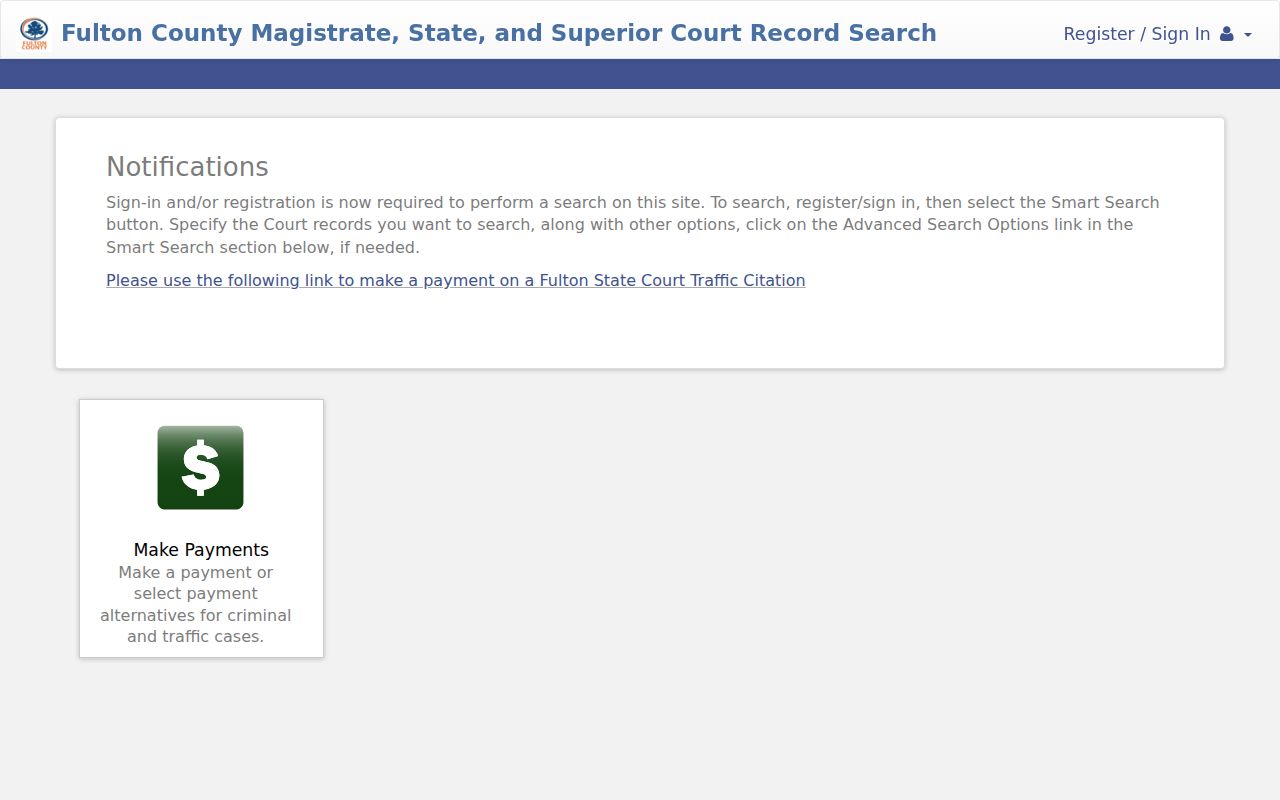
In any other Georgia county, go back to its E-Access row first. If the portal omits the case, contact the clerk. Many courthouses keep a public terminal. Clerks can walk you through phone, counter, mail, email, or online-form requests for older dockets and copies. Georgia sets no single request form or turnaround time, so expect each office to differ.
Georgia Statewide vs County Search
Georgia publishes no complete public statewide trial-case index. E-Access works as a directory. re:SearchGA covers only participating courts, so the county provider is the local court's own portal. Either route may locate a case. The full docket, though, and certified copies come from the clerk with custody. Need the county route? Use the Georgia County Directory whenever an online record runs thin.
| Feature | Georgia Statewide Entry Points | Georgia County Court Portal or Clerk |
|---|---|---|
| What it is | Georgia E-Access directory; re:SearchGA for participating courts | Georgia local court system and official case file |
| Coverage | Provider links and participating records; gaps by Georgia court and class | Records held by the Georgia court, subject to access limits |
| Docket detail | Georgia search result or summary can be partial | Georgia clerk's docket sheet is the official local record |
| Documents | May link out, require login, or omit images | Ask the Georgia custodian for papers and copy options |
| Certified copies | Not a substitute for a clerk-certified record | Request from the clerk that holds the file |
A Georgia statewide search can locate a case, but the county clerk's docket remains the official file. Ask that clerk for a certified copy.
A Georgia Appeal Has a Separate Docket
A Georgia appeal creates two files. The trial court keeps its record. The appellate clerk opens a separate file with a new number. It holds briefs, orders, argument settings, and opinions. The notice of appeal may still sit on the trial docket, so search both layers. The Supreme Court of Georgia runs its own public search, apart from E-Access. Its online window spans five years. Older records sit with the Clerk. Open the Supreme Court of Georgia docket search for the official appellate lookup route.
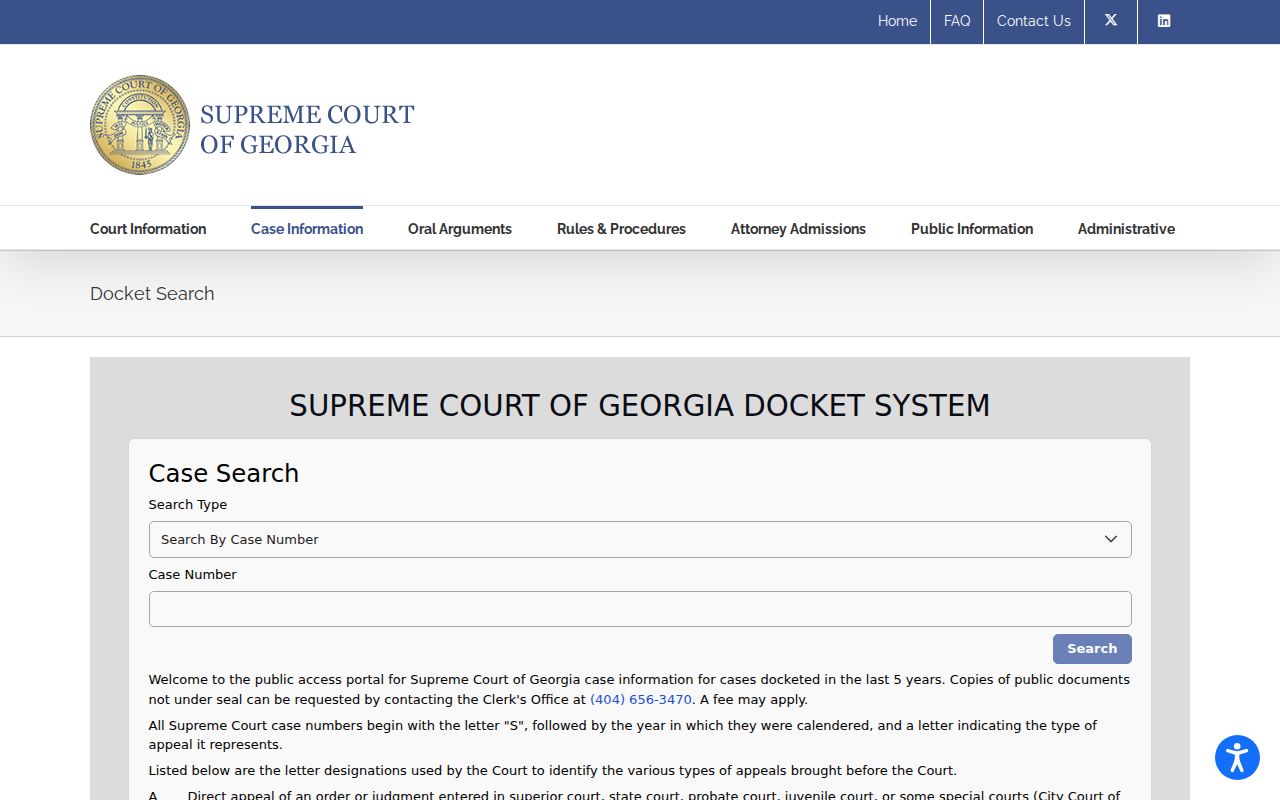
The Georgia public interface offers a Case Number field and a Search control, nothing exotic. The Court of Appeals of Georgia maintains its own case-information route. eFAST exists for counsel filing and notice functions rather than public trial search.
The appellate file covers a later stage. It may carry a number different from the Georgia county trial docket.
Note: A Georgia appeal has its own docket number. Search the appellate court after checking the trial record.
Restricted Cases in Georgia
A Georgia public search may show a case shell with its documents withheld. It may also return nothing at all when law or a court order limits access. Juvenile files carry restrictions under O.C.G.A. §§15-11-700 and 15-11-704. A missing result proves nothing about a child's identity or case details. The Georgia General Assembly code search and the official text containing §15-11-704 spell out the statutory text.
In Georgia Superior Court, Uniform Superior Court Rule 21 starts from public inspection, subject to law and court order. The rule covers limits, review, and redaction of covered identifiers. Redaction is not the same as sealing a Georgia case file. Other court classes answer to separate statutes.
Access path: Ask the clerk whether the case is outside the provider, not yet indexed, available only by account, or restricted by law or court order.
The Georgia Open Records Act covers designated agencies. Attorney General guidance says Superior, State, Probate, and Magistrate Court case files are not accessed through an ordinary Act request.
Two references help here: Read the 2026 Uniform Superior Court Rules and browse the Georgia Attorney General's open-government FAQ. The clerk can explain the access process but cannot give legal advice.
The Georgia Clerk Keeps the Trial Docket
A Georgia online search can stop short. When it does, contact the clerk for the court that opened the case. A Clerk of Superior Court holds the Superior Court files, and other Georgia court classes may keep their own clerk or share a combined office. Need the right office? The Georgia Superior Court Clerks' Association directory or your local county page will identify it.
From there, call or visit the Georgia clerk. You can also use a courthouse public terminal, or request the docket by any method the office accepts. Mail, email, and online forms vary across Georgia, with no single request form or turnaround. Ask about older records too. Some live on paper, microfilm, or offsite storage, and the copy and certification costs change over time, so confirm the current fees.
Note: A clerk's copy, a portal image, and a certified record are different products. Each carries its own access and fee rules.
For the full trial docket: identify the Georgia court and county, then confirm the summary with its clerk.