
Court Calendars in Georgia
Georgia hearings are not gathered in one place. Georgia has Superior Court circuits, State Courts, Probate Courts, Magistrate Courts, Juvenile Courts, and Municipal Courts. Each handles its own settings through local channels. One court posts a daily schedule for anyone to see. Another sends parties to a judge's calendar clerk or relies on case-specific notices. Even a published calendar has limits. It can name the session sitting that day. It may leave out the parties and case numbers set for it.
A docket and a calendar do different jobs in Georgia. The case docket logs events on one file. The court calendar sets sessions, and some courts put only part of that schedule online. Georgia Courts E-Access can point you to the right county provider. It is no master calendar. When a date truly matters, start with the latest signed notice or order. Check it against the current docket.
Georgia Has No Single Trial Calendar Search
There is no one-stop trial date search for Georgia. The Georgia Courts E-Access page links to separate county-and-court provider sites. Pick the county and court, then follow the redirect. You may still need an account to search. That route finds a case portal. It does not pool every Georgia trial date into a statewide list. Some participating courts also surface in re:SearchGA's Hearings mode. That service covers members only, though. It publishes no complete statewide date range or update schedule.
Local variety runs deep here. Georgia circuits and courts publish daily, master, civil-jury, and nonjury calendars. A master calendar may list a judge, date, county, and session type without naming any single case. That explains the court schedule. It cannot confirm a named case is still set. Since Georgia calendars stay separate, the county and court printed on your notice matter most in any docket search.
Finding a Georgia Court Date
Start with the court named on your citation, summons, notice, or order. Compare that case history against the latest calendar information the Georgia court provides. A search result can find the file. It may miss a recent setting or change. If the docket and calendar disagree, ask the clerk or calendar coordinator directly.
- Read the newest signed Georgia notice or order. Record its court, case number, date, time, and any later reset.
- Open the Georgia Courts E-Access directory, select the county and court class, then follow the listed provider link. The destination may require an account.
- Search the Georgia county court's online docket by case number. If it participates, check re:SearchGA Hearings too; it does not include all Georgia courts.
- Check the Georgia court or circuit's official daily or master calendar. A printed schedule may list the session and judge but omit case names and numbers.
- If the date is unclear, call or email the clerk or assigned court coordinator, where offered, and ask whether a newer notice replaced the setting.
- When Georgia's online records do not answer the question, use the courthouse counter or public terminal if available. Start with the Georgia County Directory to reach the right local court route.
A case number usually beats a party name in Georgia, since names repeat. A Georgia case lookup can locate the docket fast. Still, the court itself remains the authority on its current calendar. Note: a portal result can point to a Georgia docket. A fresh signed notice controls any changed setting.
Georgia Docket: Continued or Reset
A Georgia online docket may mark a hearing as continued, passed, or reset. That is not telling you the case is over. It is also not telling you a new date exists yet. Courts and providers across Georgia word these entries differently. A continuance means the court itself postponed the hearing. A reset is just a scheduling entry, one you should weigh against whatever date-setting event comes next. A signed Georgia order or a later notice can replace the first date on file.
Read the docket in date order. Then hold it up against the most recent case notice you have. A calendar call session may only test readiness. It may set or confirm a later hearing or trial. So it is not necessarily the trial. The file may give you no clear new date. In that case call the clerk or court coordinator for the court printed on the notice. Do not trust an old PDF calendar to settle a newer case event.
Georgia Calendar Abbreviations Are Local
Georgia calendars often compress session types into short labels. The Mountain Judicial Circuit's legend is one example of the pattern. Other Georgia courts use their own terms. So treat these labels as local calendar shorthand, never as statewide docket codes.
- CIV / CRI
- Civil and criminal sessions in the Mountain Judicial Circuit calendar.
- GJ
- Grand jury session.
- ARR / CC
- Plea or arraignment session; calendar call to check readiness or confirm a later date.
- DC / MHC / FTC
- Drug Court, Mental Health Court, or Family Treatment Court session.
- Prob Rev / PAC / DRC
- Probation revocation, Parental Accountability Court, or Day Reporting Center.
- CS
- Child support session.
Before you read a local abbreviation as a hearing outcome, check the legend on the current Georgia court calendar. A session label tells you nothing about whether a Georgia case was actually heard or what order the judge entered.
Note: Calendar abbreviations belong to the Georgia court that publishes them, and they can change from one year's schedules to the next.
Reading a Georgia Court Setting
A case-specific setting in Georgia can tell you the event, the date, and the court. What fields appear depends on the portal or the notice. A Georgia master calendar may show a date, judge, county, and session type. But it leaves out any party or case number. An individual docket or hearing notice usually carries those details.
| Date and time | The scheduled start. Confirm the latest notice if a later order changed the date or time. |
|---|---|
| Court and county | The court class and location handling the case; use both to find the correct portal and clerk. |
| Judge, courtroom, or division | The assigned judicial officer or place, when the court publishes it. |
| Session or hearing type | A label such as arraignment, calendar call, civil motions, or trial; local wording varies. |
| Case number and status | Case-specific records may show the number and a set, reset, continued, or canceled event. Broad calendars may omit these fields. |
A setting on a Georgia court docket shows only what was scheduled. It says nothing about the outcome. To see what happened, check the later docket entries and any signed order, and remember that a motion filing is just a request until a Georgia court rules on it.
Mountain Circuit's 2026 Calendar Shows Sessions
Georgia's Mountain Judicial Circuit calendar index gathers two useful tools in one place. It posts daily schedules plus a master calendar. The 2026 Georgia master calendar sorts its sessions several ways. You can group them by date, by county, by judge, by court, or by function. It is a schedule of planned sessions, though, not a statewide case lookup. Visit the circuit's calendar page to see the layout for yourself.
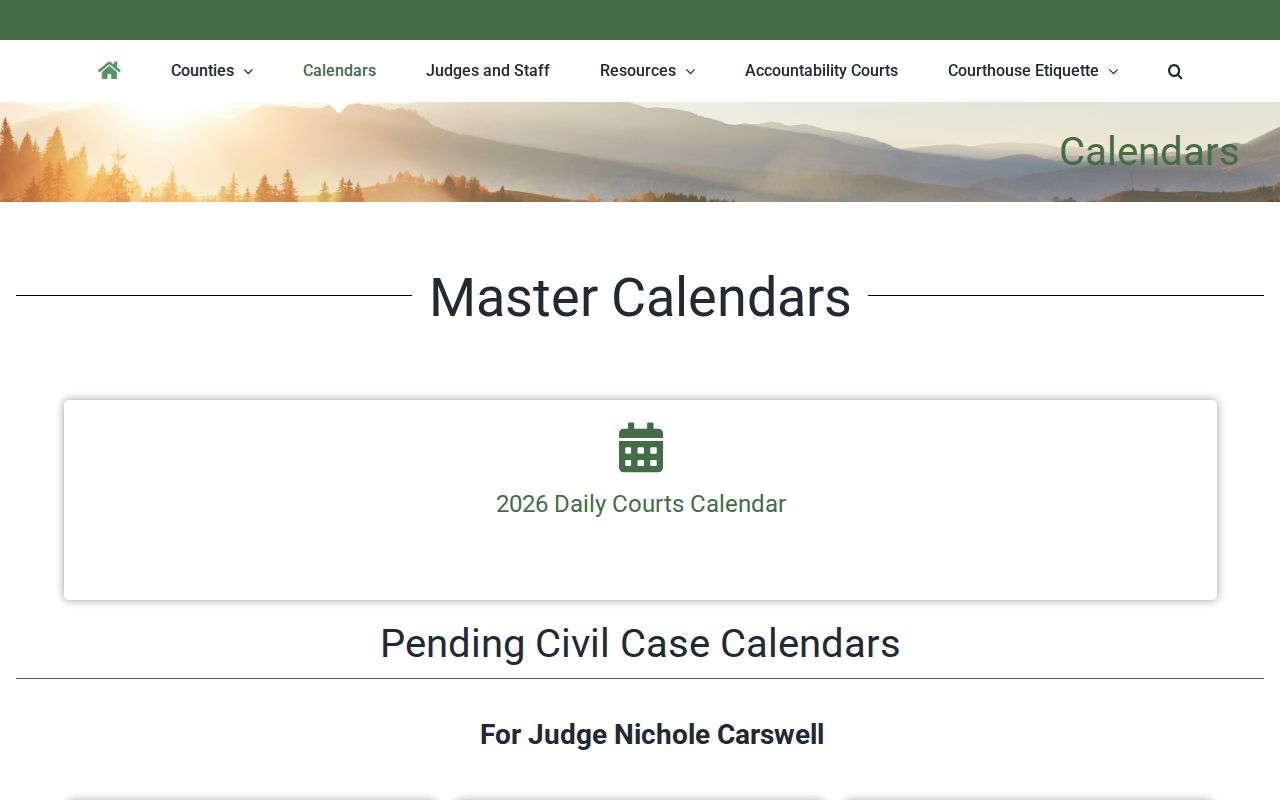
A yearly calendar like this one tells you the shape of court operations. It shows which judge sits on which session. It also shows when each type of hearing is planned. What it cannot do is track a single case. It names no parties. And it will not confirm that a setting survived a later order. For an individual court date, the docket's current case notice is the document that counts.
Georgia Resets and Continuances
Georgia court dates move. The docket may show the change as a continuance, a reset, a reassignment, or a fresh Notice of Hearing. Each entry means something a bit different. A reset, importantly, is not a dismissal. Check later docket events. Then read the signed order or notice that actually sets the new date. The court's own calendar page can lag behind the docket. Scheduling practice also varies around the state. In the Mountain Judicial Circuit, local rules set monthly civil motions days for each county and judge. Dates come from the clerk, and a Notice of Hearing is filed alongside the motion stating its date, time, and nature. That is one circuit's example, not a Georgia-wide rule. When a general calendar and a case notice disagree, call the court or coordinator. Ask which setting controls.
Georgia Traffic Citation Posting Window
Paid a Georgia traffic ticket lately? Expect a wait before the online payment option finds it. Georgia Courts advises allowing 7 to 21 business days after the citation is issued. Only then may a ticket show up in a participating court's payment system. The posting delay is just a delay. It changes nothing about the date printed on the citation and extends no appearance deadline. Your court date has already passed? The Georgia Courts Locate or Pay My Ticket page tells you to contact the issuing court directly. There is no central Georgia database for traffic citations. Availability depends entirely on that one court. Confirm your setting with the court named on the ticket. A slow payment search proves nothing either way.
Missing a Georgia Court Date
A Georgia calendar that drops your date is not proof of anything. Courts remove entries for many reasons, and an excused absence is only one of them. Missed a hearing? Call the court listed on your notice or citation right away. Ask what was entered on the docket and how to get the current order. The clerk can point you to the record and explain the process. But the clerk cannot offer legal advice.
If a Georgia court setting was missed:
Call the issuing court or clerk now. Ask whether a later setting, order, or failure-to-appear entry was entered.
For a traffic citation, Georgia DDS says an FTA suspension takes effect 28 calendar days after DDS receives notice. Verify the court's release and DDS status.
Do not treat an old calendar, payment portal, or silent case search as confirmation that no action is due.
In a Georgia traffic case, the issuing court controls the citation. When the case resolves, the court sends release information to the Georgia Department of Driver Services (DDS). So check two places. The court docket shows the case result. Georgia DDS Online Services shows your license status and any reinstatement steps. Most courts transmit FTA releases electronically. But ask the clerk whether yours was sent, then confirm DDS received it. You will need your license information to check DDS. One caution: a payment receipt from a vendor does not by itself prove the court lifted the hold. Other Georgia case types carry their own procedures and consequences.